Dictation, AI candidates, meeting notes and select-to-rewrite — use what you need.
🎙
Speak to type
Double-tap Command (Mac) or hold Right Alt (Windows), speak, and text lands right at your cursor.
📡
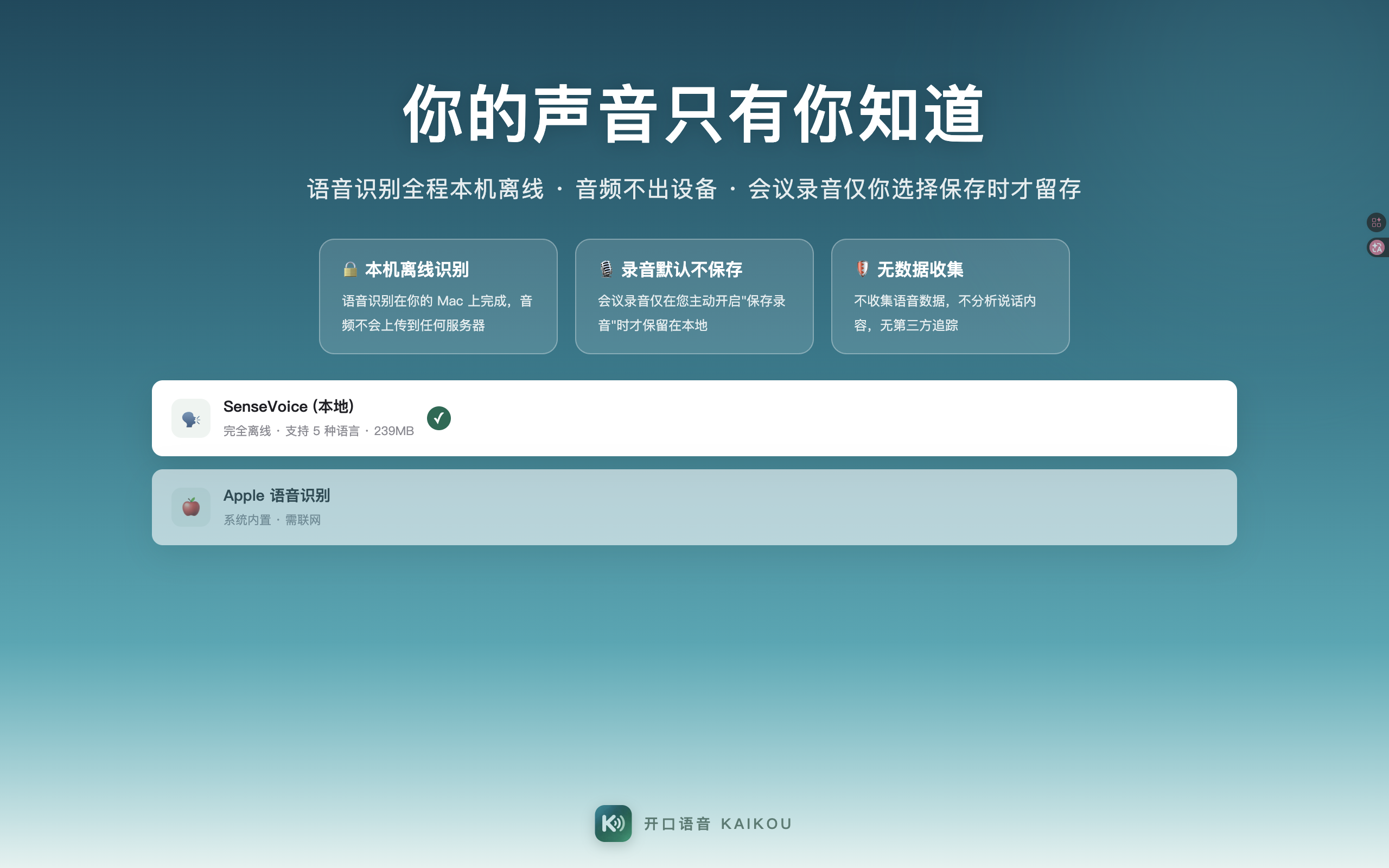
Offline speech recognition
An on-device recognition engine that works without the internet. Audio never leaves your machine and is discarded after processing.
👀
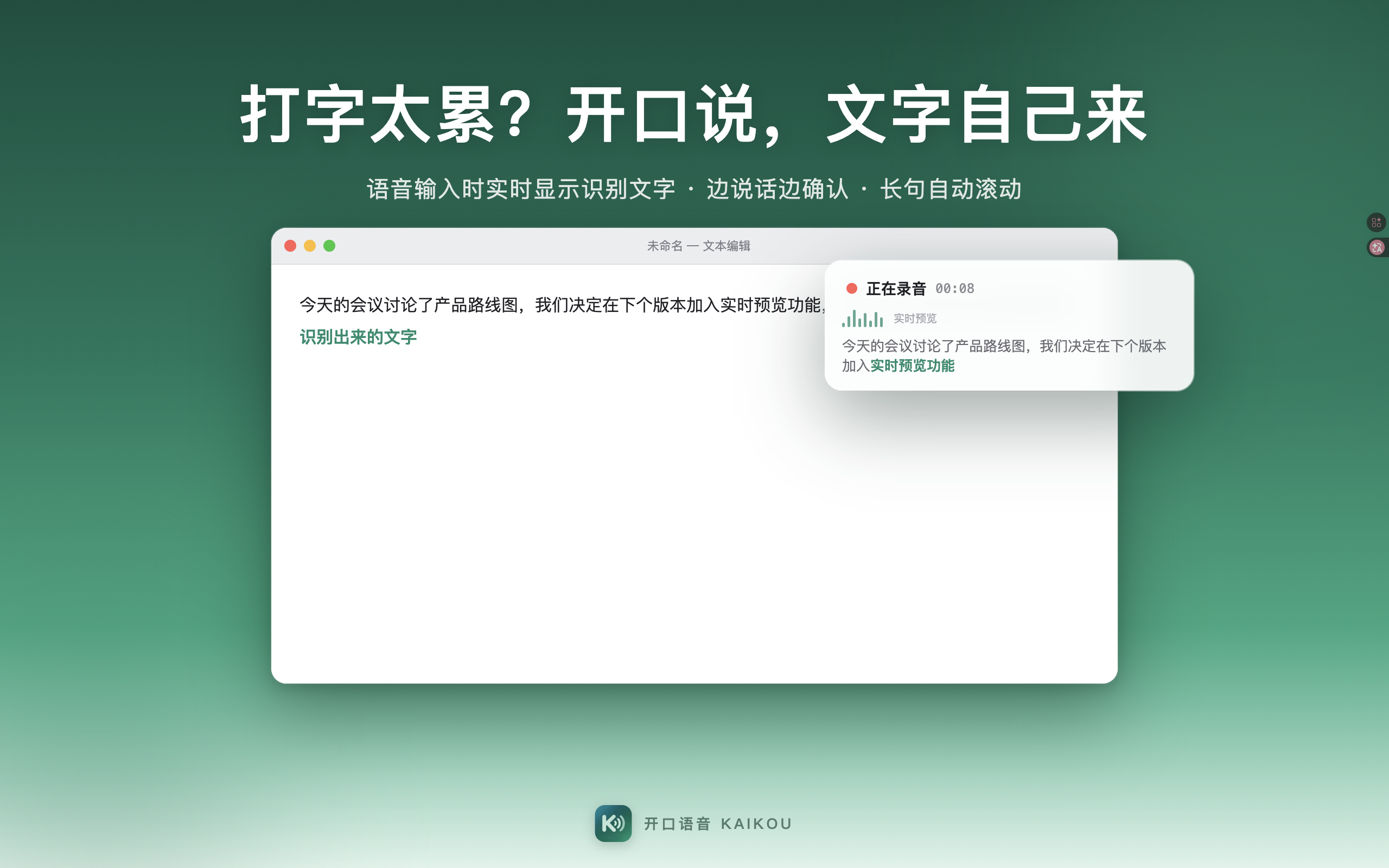
Live transcription preview New in 1.1.0
As you speak, the HUD shows recognized text in real time with auto-scrolling — confirm as you go, never wonder if you were heard.
✨
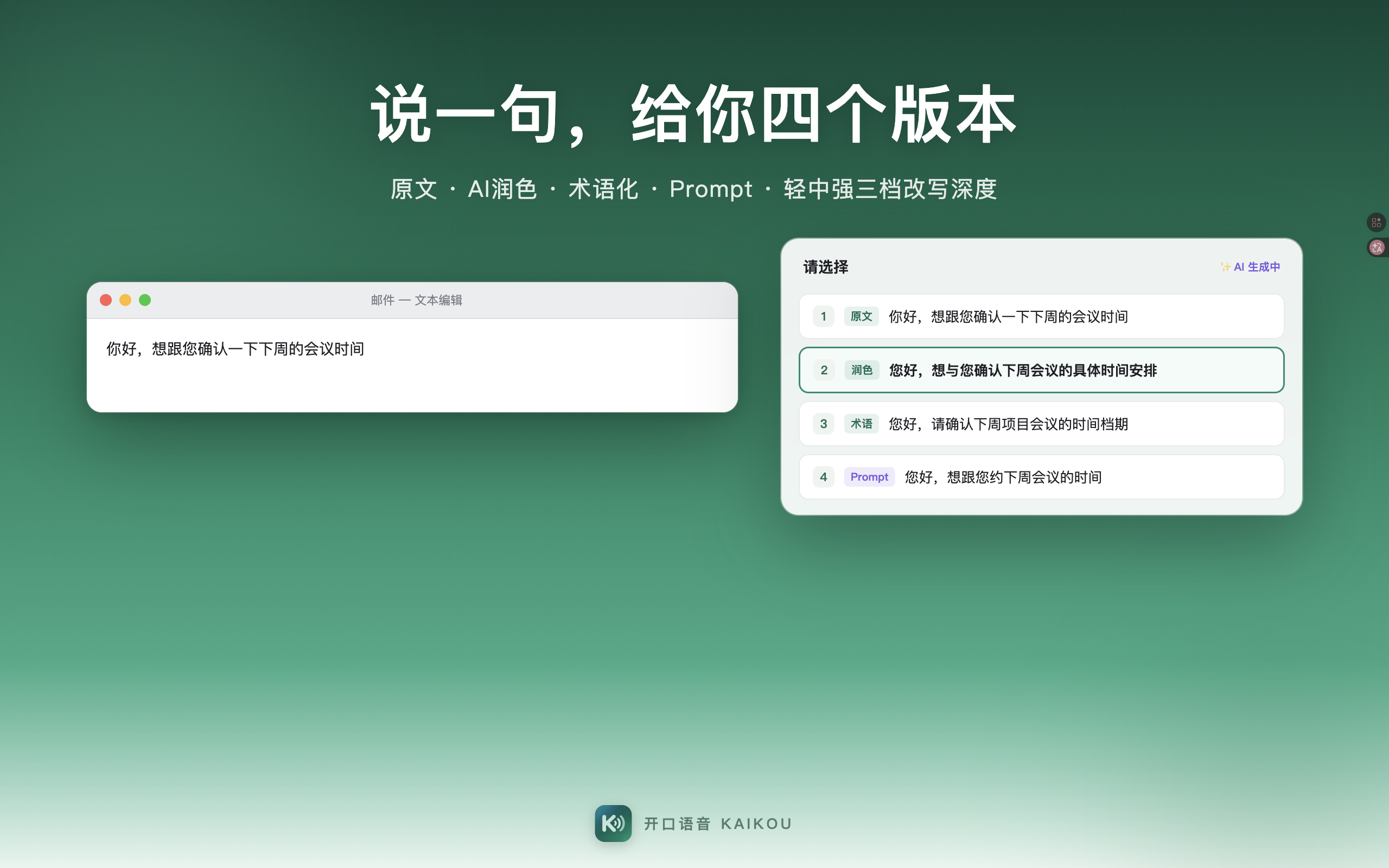
4-row AI candidates
Original, AI-polished, terminology, and Prompt — four candidate rows to pick from with one keystroke. Rewrite strength adjustable in three levels.
🗂
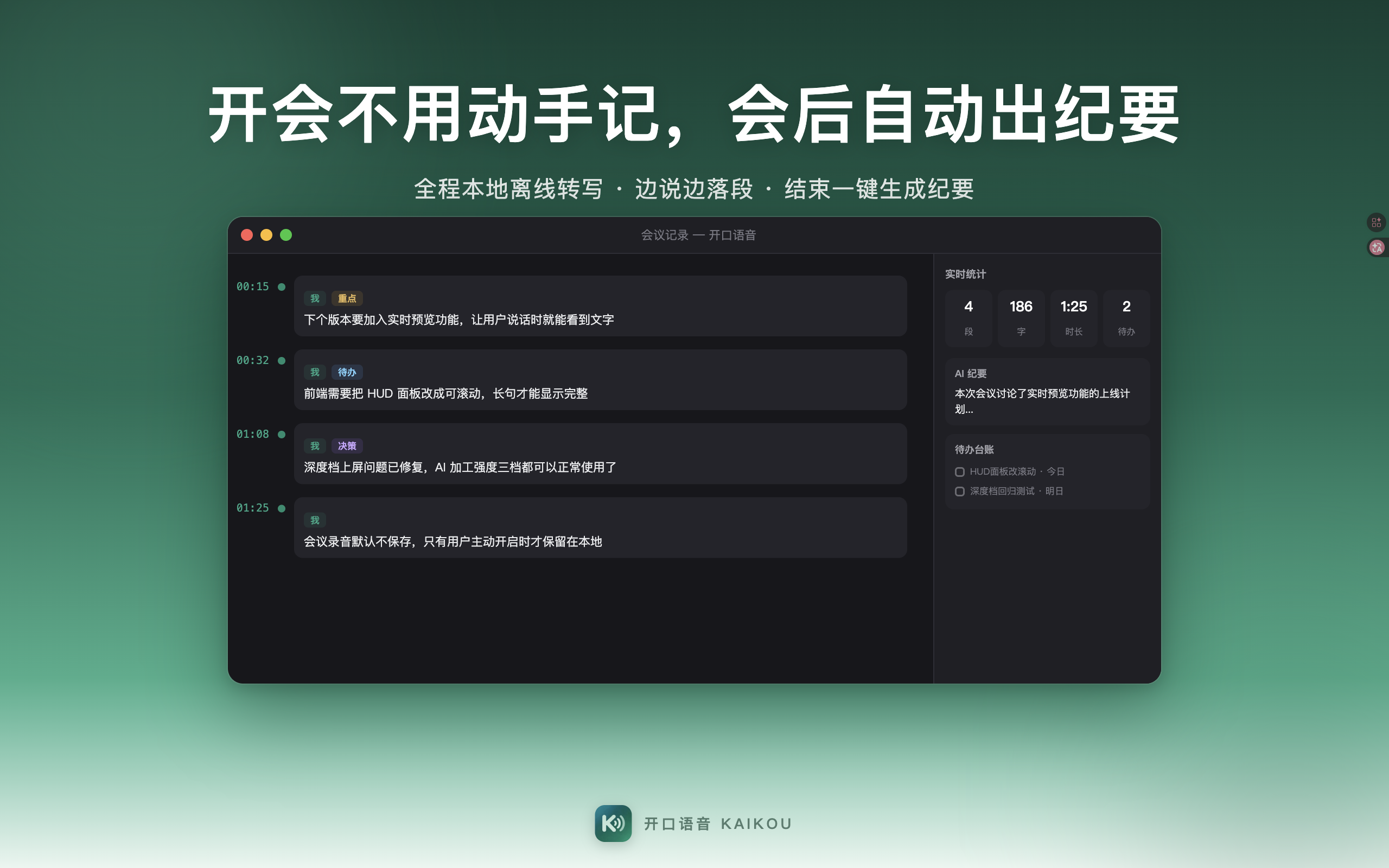
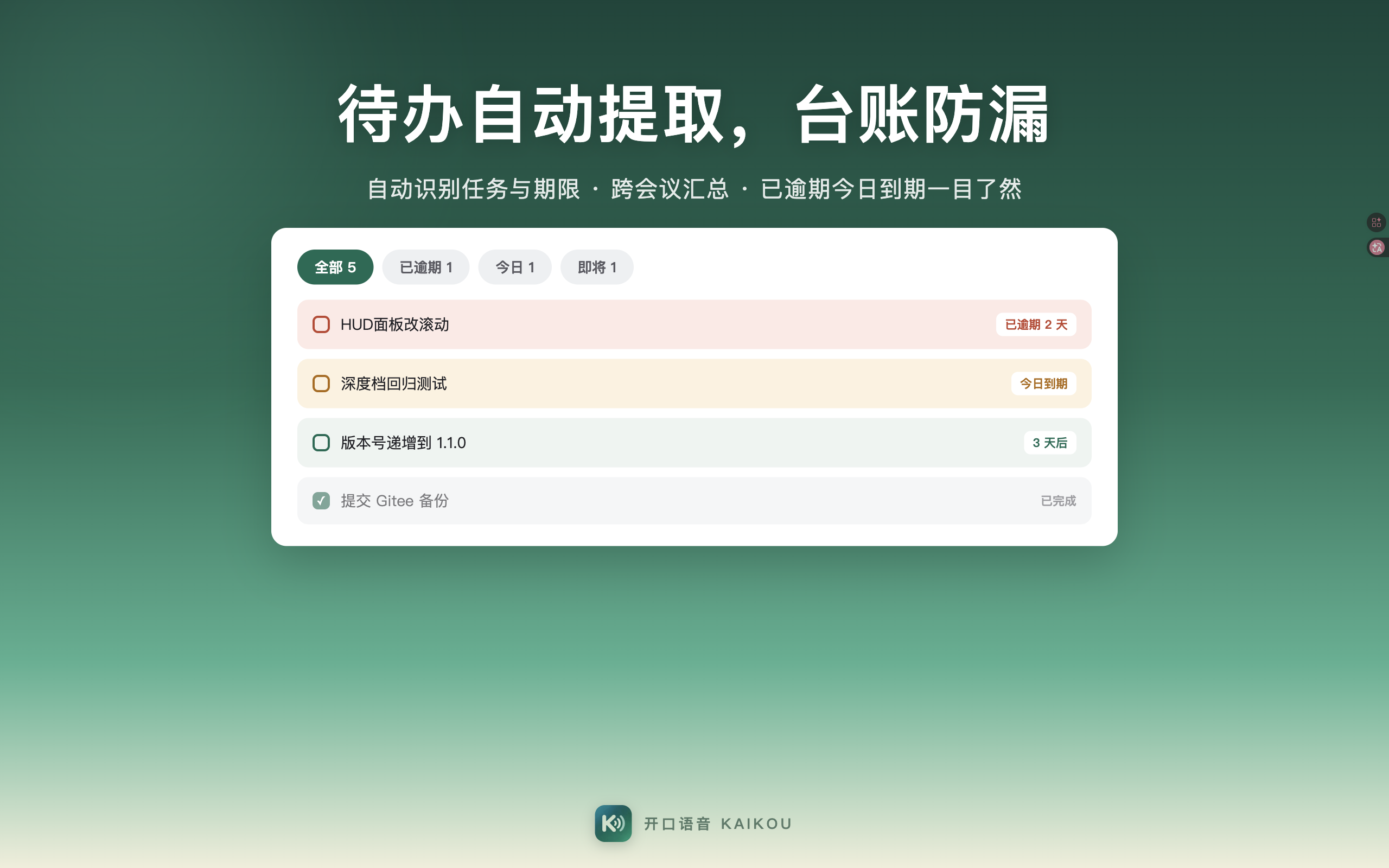
Meeting notes Both platforms
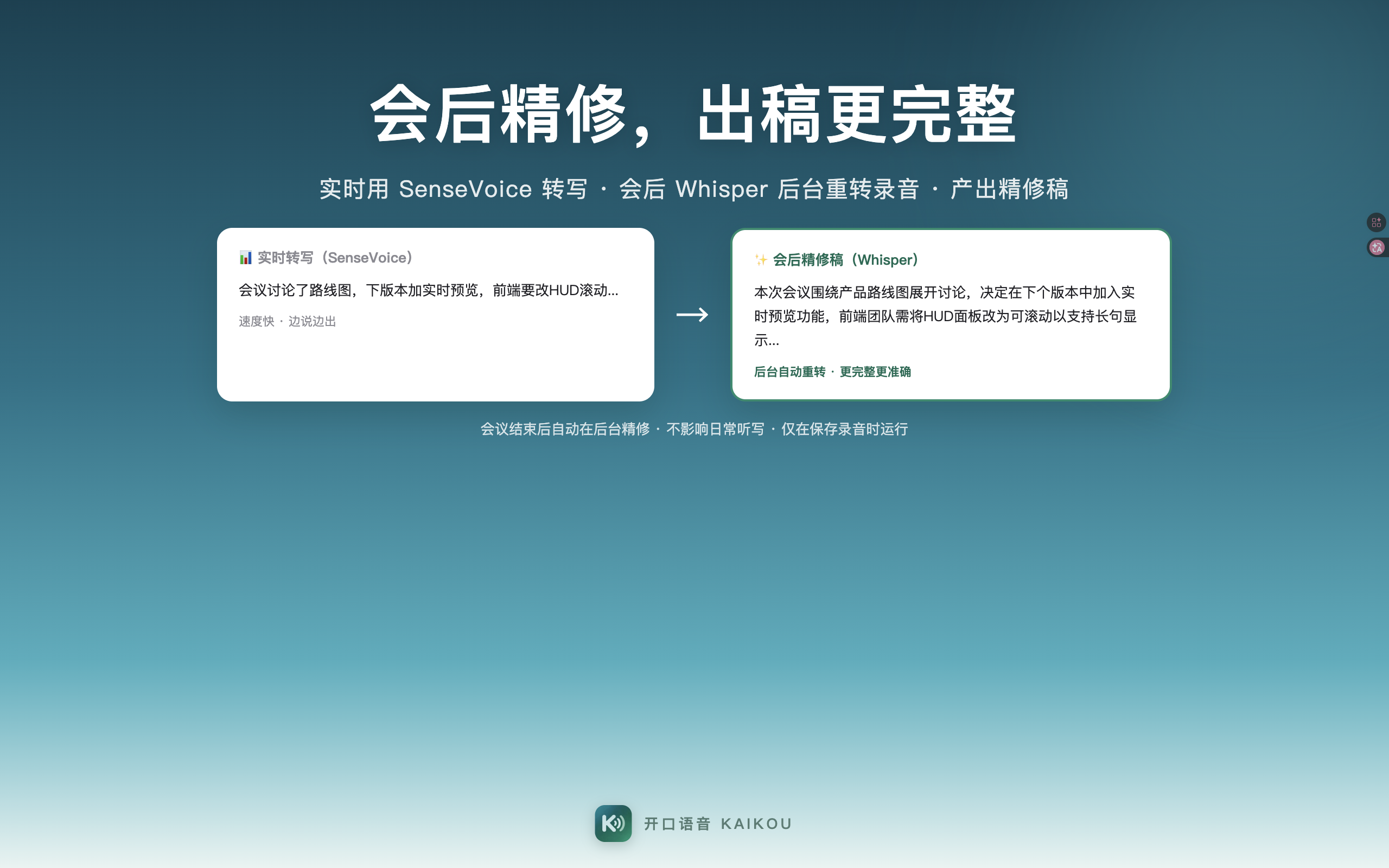
Just talk in meetings: live paragraphed transcription, speaker separation, AI minutes, auto-extracted to-dos — a complete record the moment you're done.
🖱
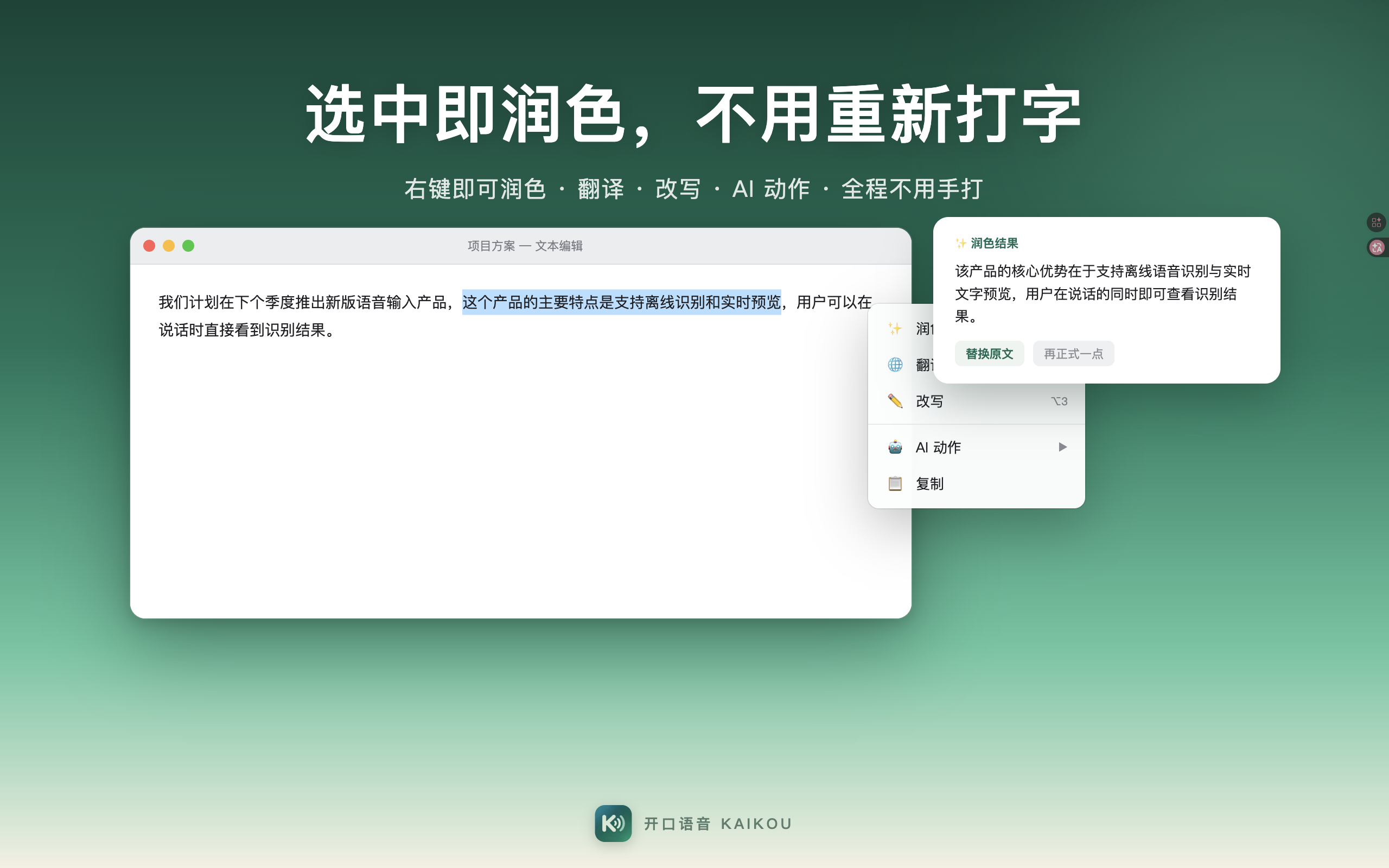
Select & rewrite New in 1.1.0
Right-click any selection for rewrite, translate, and paraphrase menus with multiple versions side by side — fix a sentence without retyping it.
🗣
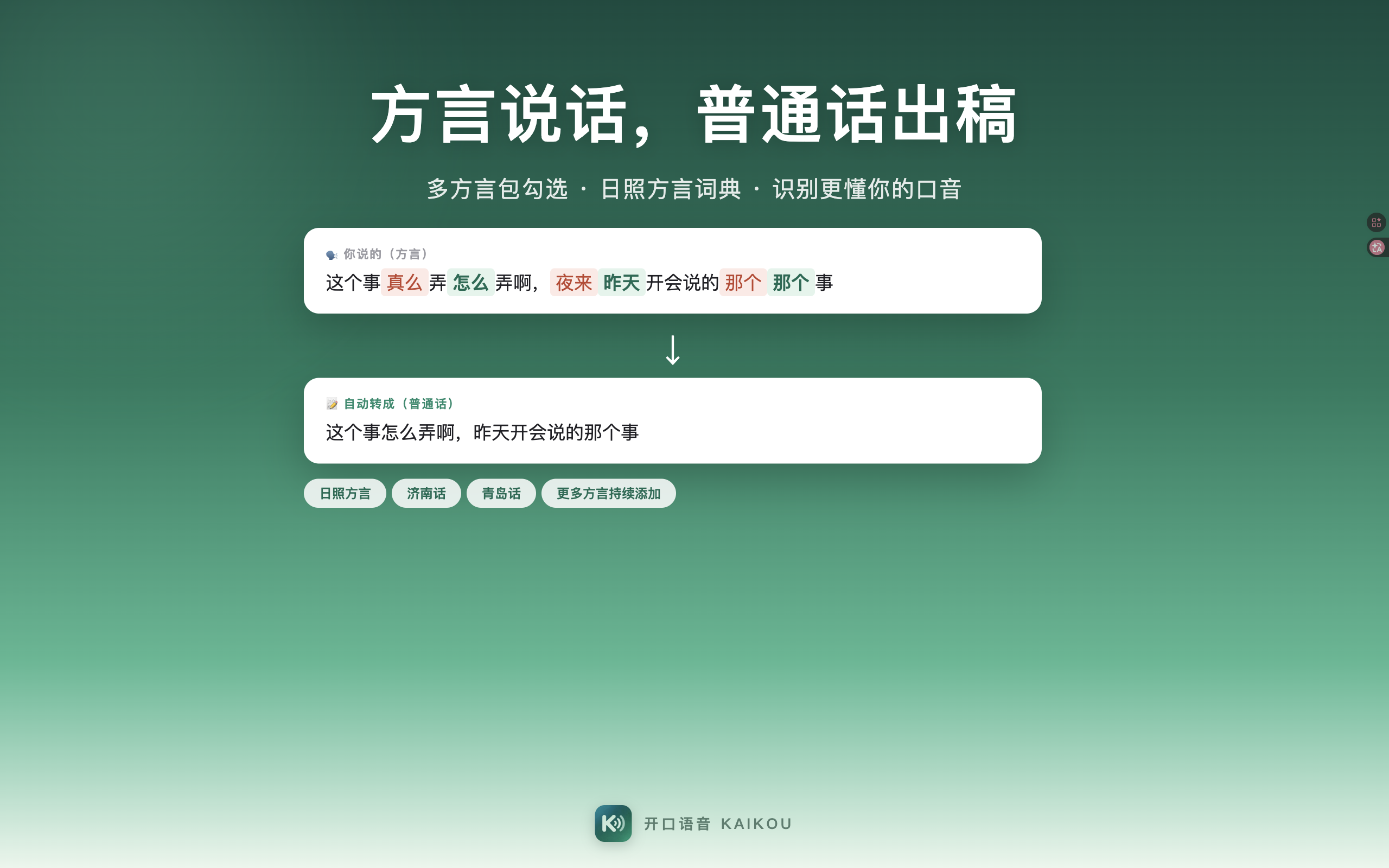
Dialect correction
Jiaoliao, Northeastern, Southwestern, Cantonese and more — 8 major dialect zones are automatically corrected into standard wording.
🌐
30+ languages & translation
Mixed recognition of Chinese, English, Japanese, Korean and Cantonese; speak Chinese and get English, with 17 target languages to choose from.
🔑
You stay in charge of AI
The Windows app uses your own API key (BYOK), billed directly by the provider; the macOS app also supports connecting your own model services.